Authentication Settings
Configure which login methods are available for your Dossier tenant.
Accessing Authentication Settings
Navigate to Tenant Settings → Authentication.
Route: /tenant-settings/auth
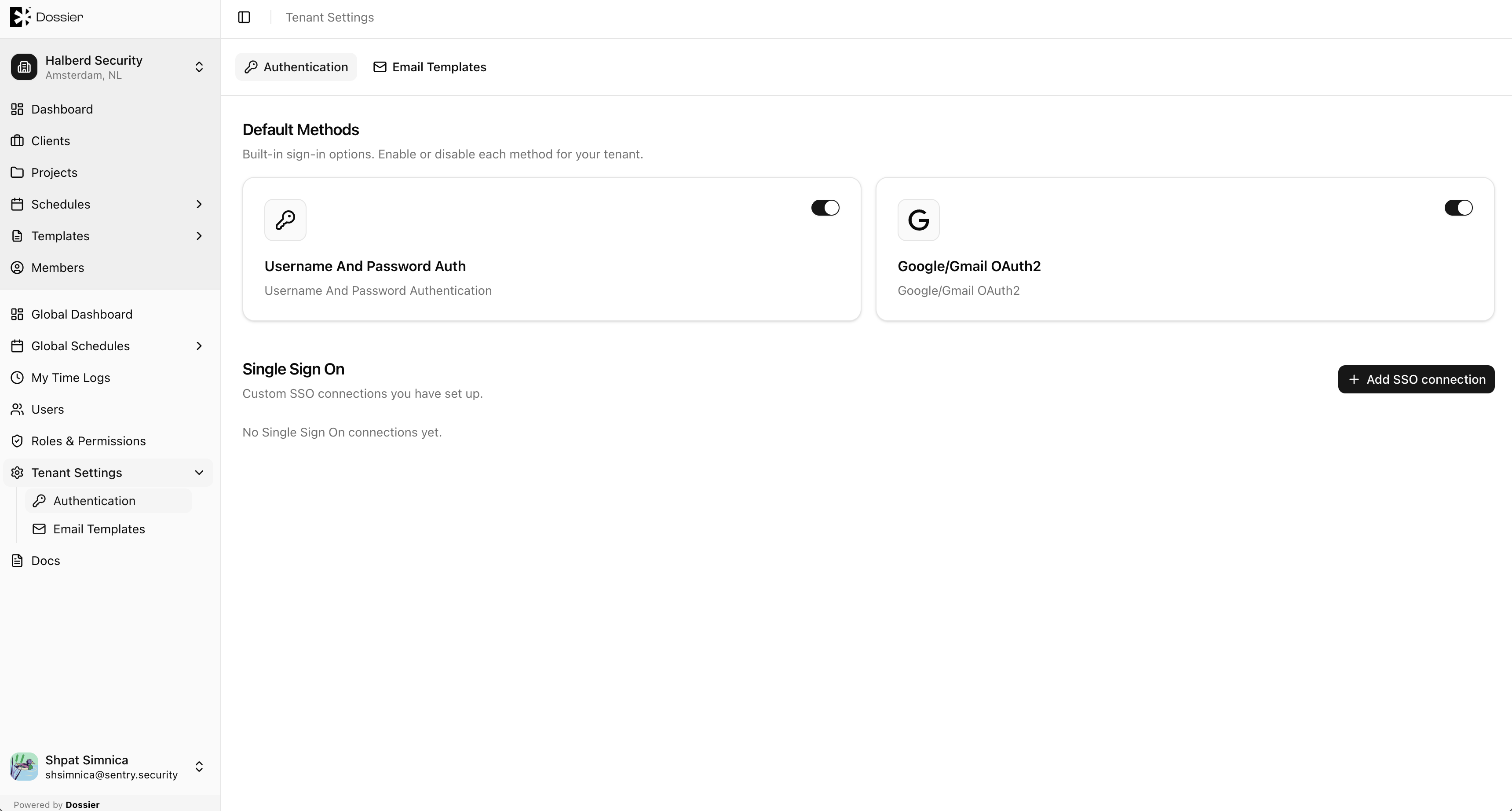
Default Connections
These connections are seeded from your tenant configuration at bootstrap:
| Connection | Description |
|---|---|
| Username-Password-Authentication | Email and password login through Auth0. |
| Sign in with a Google account. |
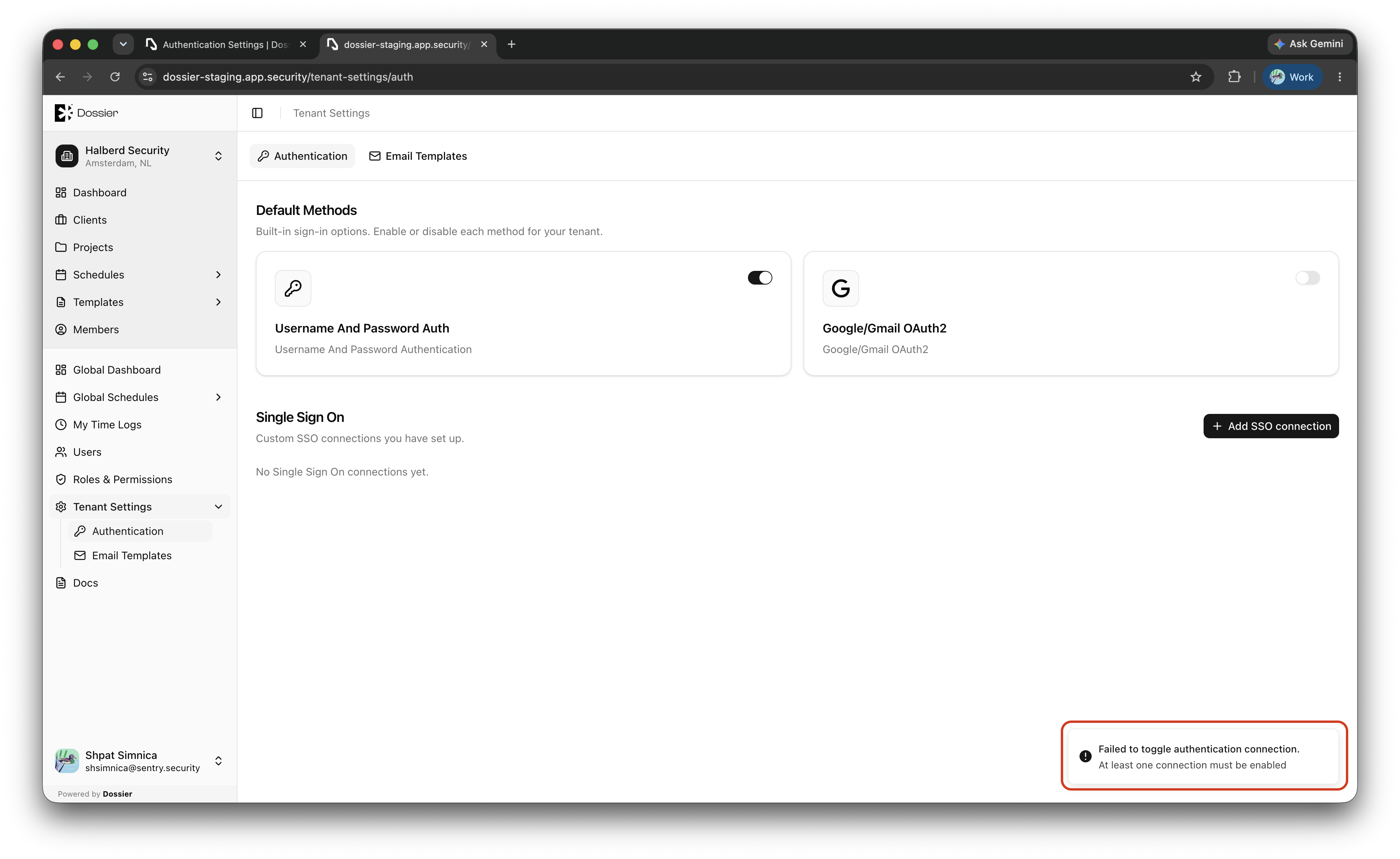
Enabling or disabling a connection
- Toggle the connection on or off.
- At least one connection must remain enabled at all times.
Custom SSO
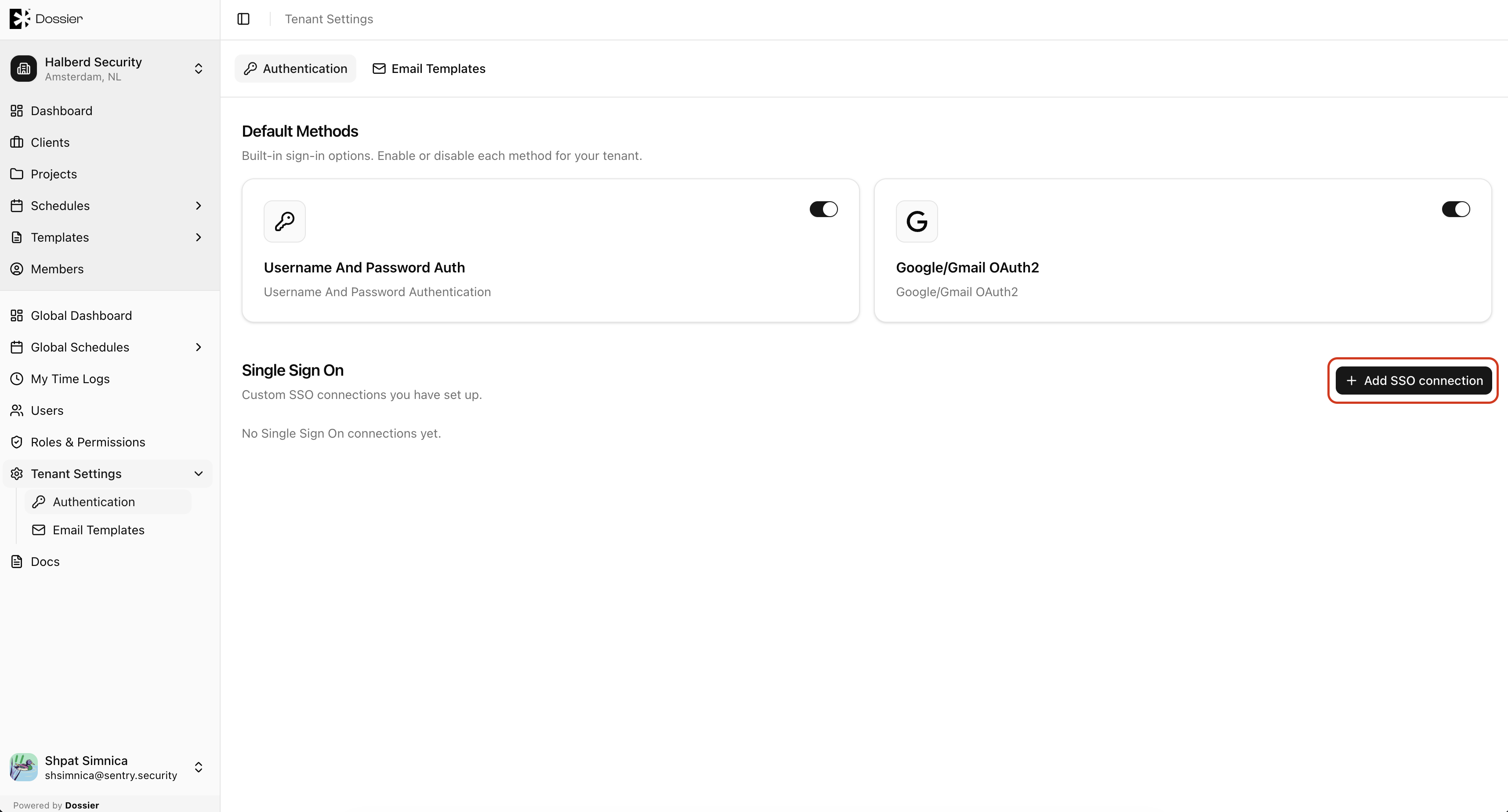
Each tenant can have one custom SSO connection (SAML or OIDC).
Creating a custom SSO connection
Step 1: Click Add SSO
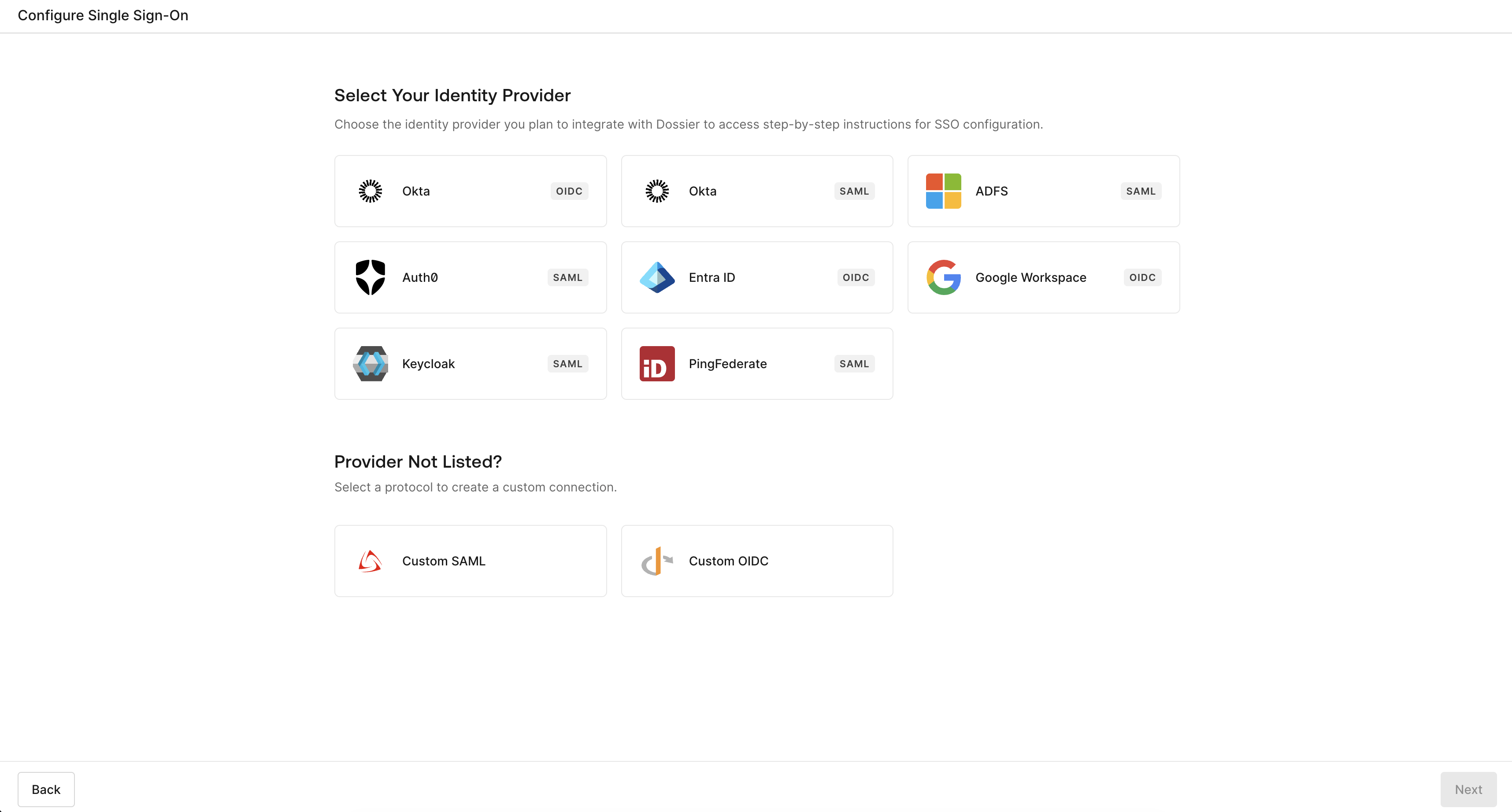
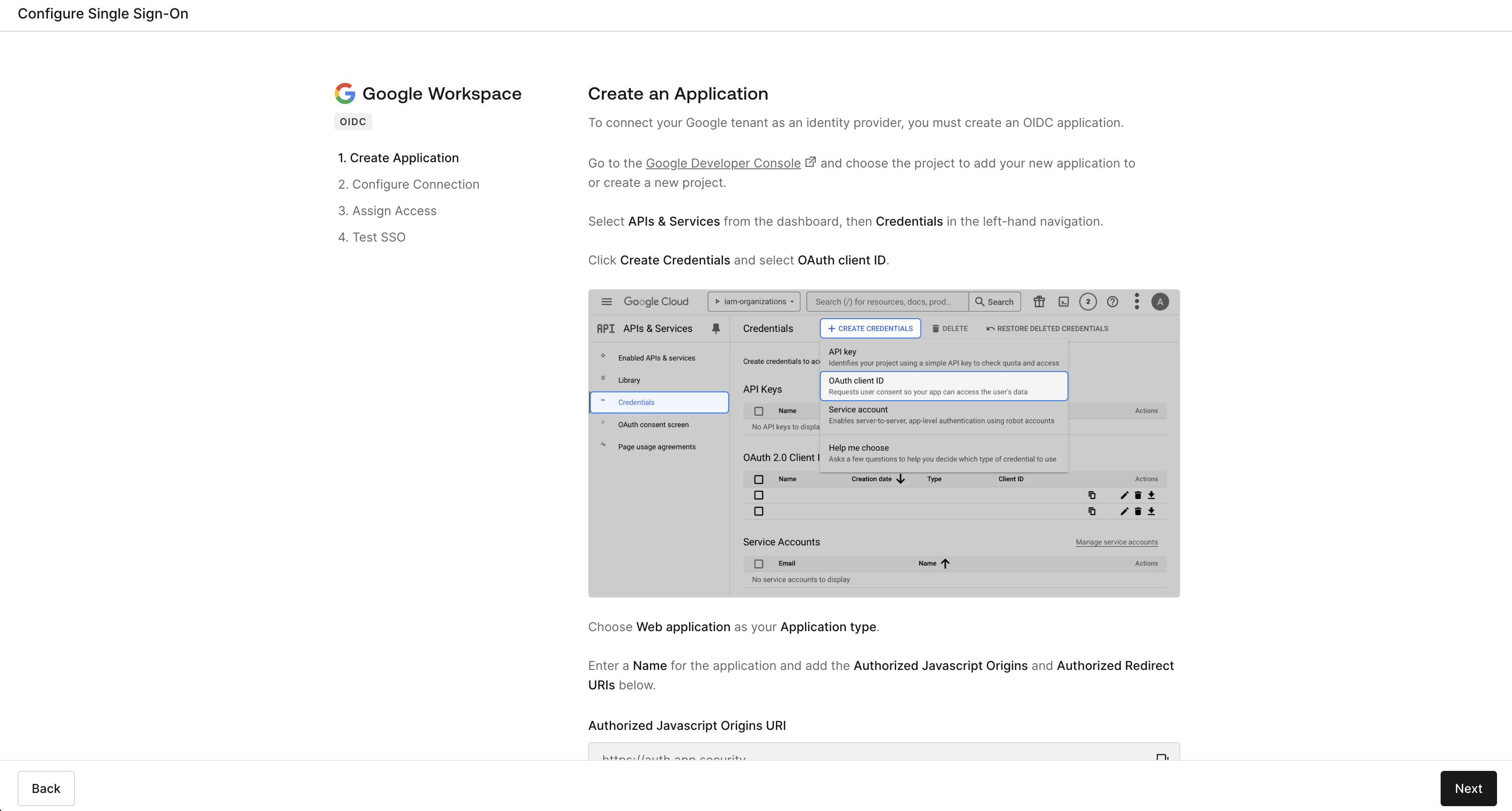
Step 2: Follow the Auth0 setup flow
Configure your identity provider details in the Auth0 self-service profile.
Step 3: Enable the connection
Once created, toggle the custom connection on to make it available for sign-in.
Deleting a custom SSO connection
Click Delete on the custom connection row and confirm. Users who signed in via SSO will need to use another connection.
warning
Disabling all connections except one ensures users always have a way to sign in. Test changes in a non-production environment first.